> For the complete documentation index, see [llms.txt](https://adaptix-framework.gitbook.io/adaptix-framework/llms.txt). Markdown versions of documentation pages are available by appending `.md` to page URLs; this page is available as [Markdown](https://adaptix-framework.gitbook.io/adaptix-framework/adaptix-c2/getting-starting/installation-client.md).
# Installation Client
The [source code ](https://github.com/Adaptix-Framework/AdaptixC2)of AdaptixС2 is available on github. The `main` branch is a stable version and does not contain the latest changes.
```bash
git clone https://github.com/Adaptix-Framework/AdaptixC2.git
cd AdaptixC2
```
***
## Linux
{% hint style="info" %}
Requires **QT > 6.8.0**, otherwise use docker.
{% endhint %}
### Preinstall
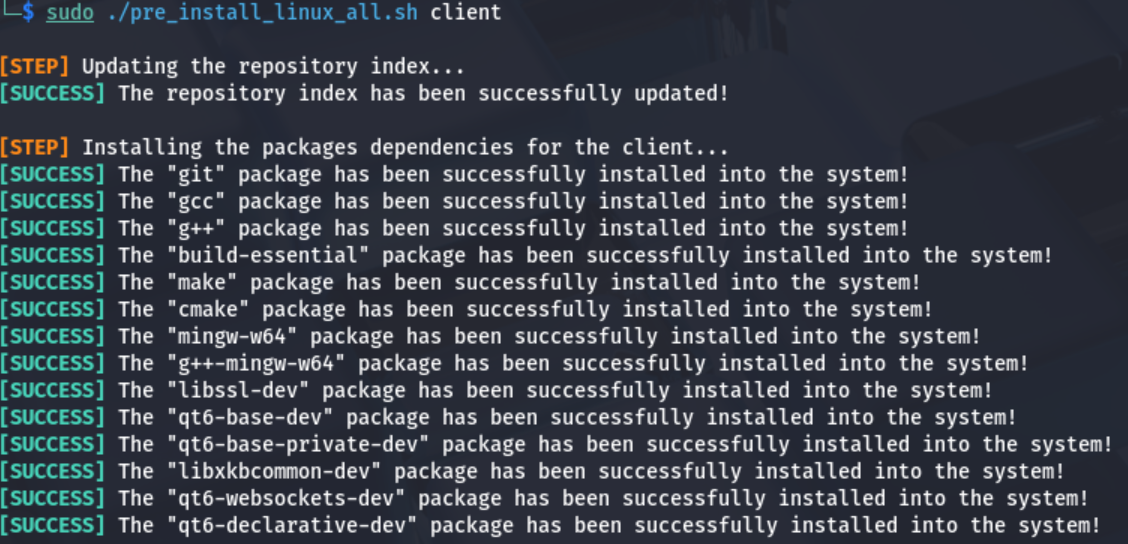
To build Client, you need to install additional dependencies
{% tabs %}
{% tab title="Auto" %}
For Linux (no Arch), you can use a specially prepared script that will install and configure the necessary packages for both the server and client parts. ([pre\_install\_linux\_all.sh](https://raw.githubusercontent.com/Adaptix-Framework/AdaptixC2/refs/heads/main/pre_install_linux_all.sh))
{% endtab %}
{% tab title="Manual" %}
**Debian**
```bash
sudo apt install gcc g++ build-essential make cmake mingw-w64 g++-mingw-w64 libssl-dev qt6-base-dev qt6-base-private-dev libxkbcommon-dev qt6-websockets-dev qt6-declarative-dev qt6-svg-dev
```
**Arch**
```bash
sudo pacman -S --needed make cmake openssl libxkbcommon qt6-base qt6-websockets qt6-declarative
```
{% endtab %}
{% endtabs %}
### Build on Host
The AdaptixClient is compiled from the cmake configuration. For fast builds in multithreaded mode, use `make client-fast`.
```bash
make client
```
AdaptixClient file will be located in the dist directory.
### Build in Docker
The compiled static AppImage will be located in the `AdaptixClient/client-dist` directory.
```bash
make docker-build-client
```
***
## MacOS
To build Client, you need to install additional dependencies. You need use [Brew](https://brew.sh/).
```bash
brew install make cmake openssl qt@6
```
The AdaptixClient is compiled from the cmake configuration. For fast builds in multithreaded mode, use `make client-fast`.
```bash
make client
```
***
## Windows
### Preinstall
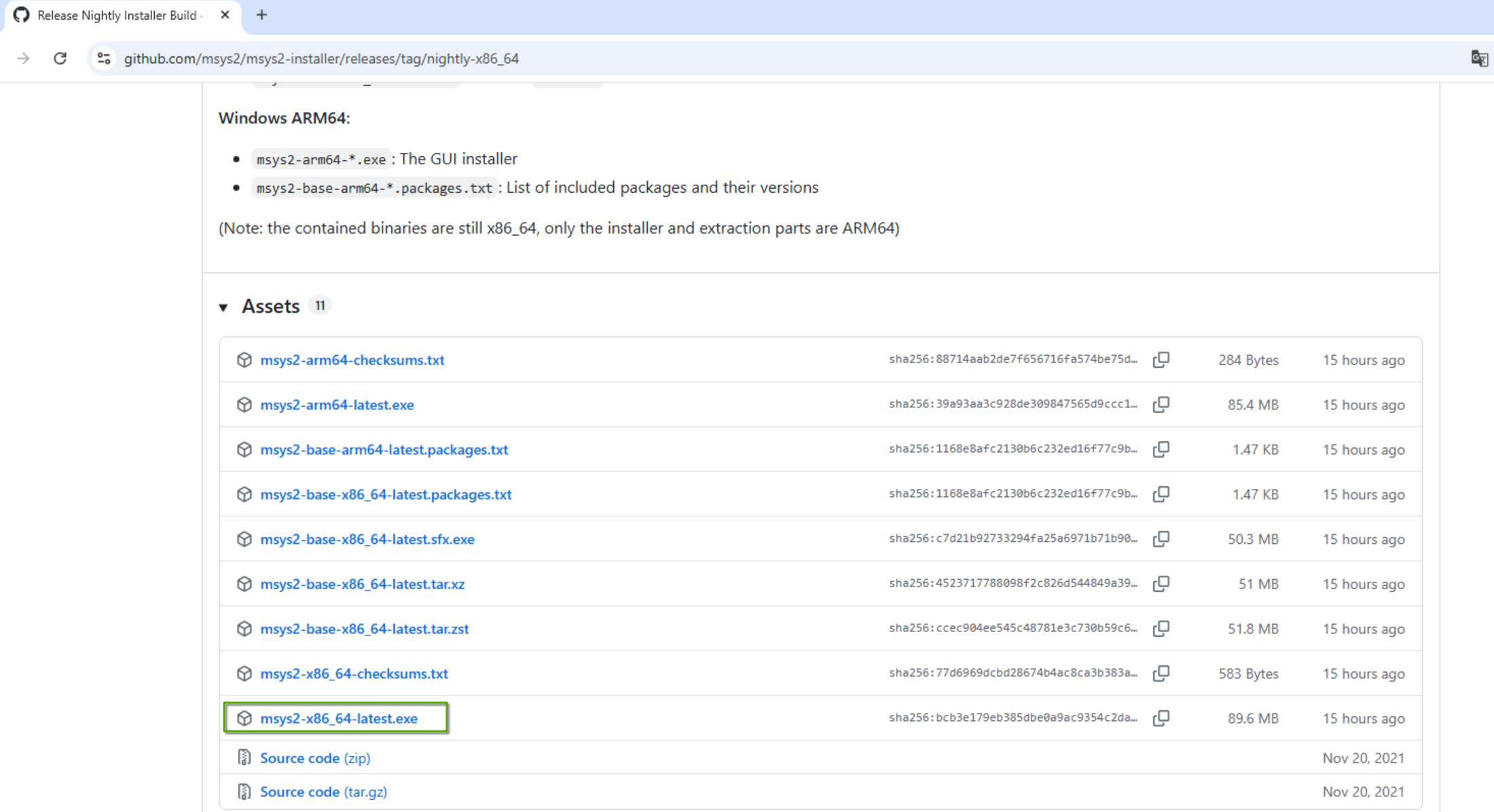
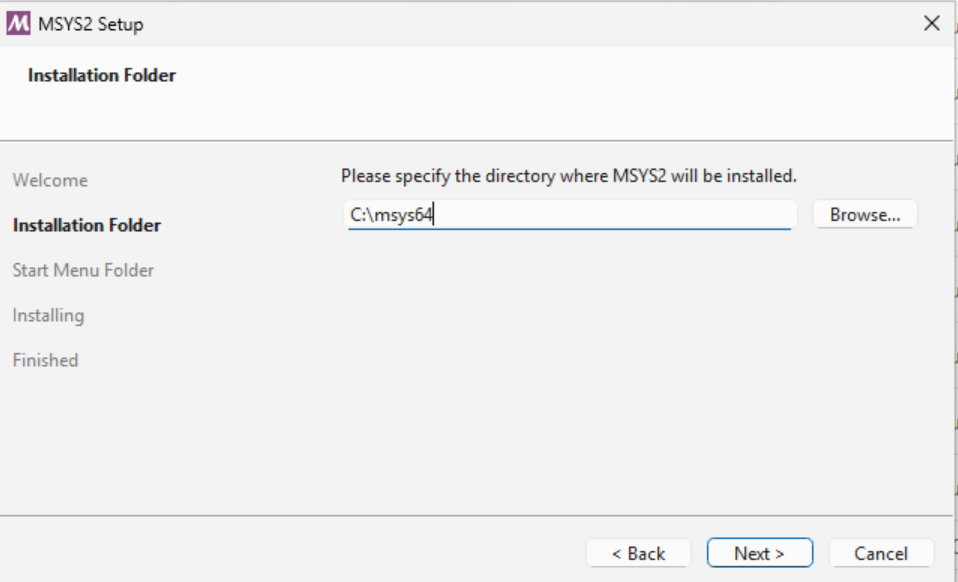
Install MSYS2 from [github](https://github.com/msys2/msys2-installer/releases/tag/nightly-x86_64) to `C:\msys64`.
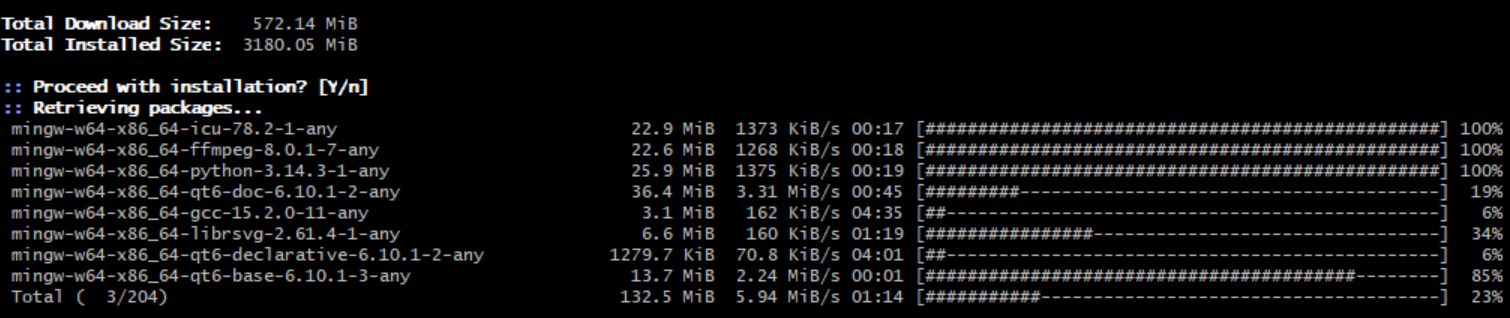
Run `C:\msys64\ucrt64.exe` and install QT modules.
```bash
pacman -Syu
pacman -S base-devel mingw-w64-x86_64-toolchain mingw-w64-x86_64-cmake mingw-w64-x86_64-qt6
```
### Build
AdaptixClient is compiled from a CMake configuration. For a quick build, run the [BAT file](https://raw.githubusercontent.com/Adaptix-Framework/AdaptixC2/refs/heads/main/AdaptixClient/build.bat). AdaptixClient.exe file will be located in the `AdaptixClient\dist` directory.
The directory with the application and dependencies can be transferred to any computer.