> For the complete documentation index, see [llms.txt](https://adaptix-framework.gitbook.io/adaptix-framework/llms.txt). Markdown versions of documentation pages are available by appending `.md` to page URLs; this page is available as [Markdown](https://adaptix-framework.gitbook.io/adaptix-framework/adaptix-c2/data-management/tasks-manager.md).
# Tasks manager
A task can be of two types:
* TASK — a fast task, executed in a single-threaded mode, delaying all other agent functions.
* JOB — a task executed in the background. As a rule, such a task is executed longer in a separate thread or process. BOF can also be executed.
* TUNNEL — a task indicating the start or stop of network tunnels.
AdaptixС2 registers and saves in the database all tasks ever completed. The task table displays the task type, the operator who started the task, the time of task execution, its status and a short answer.
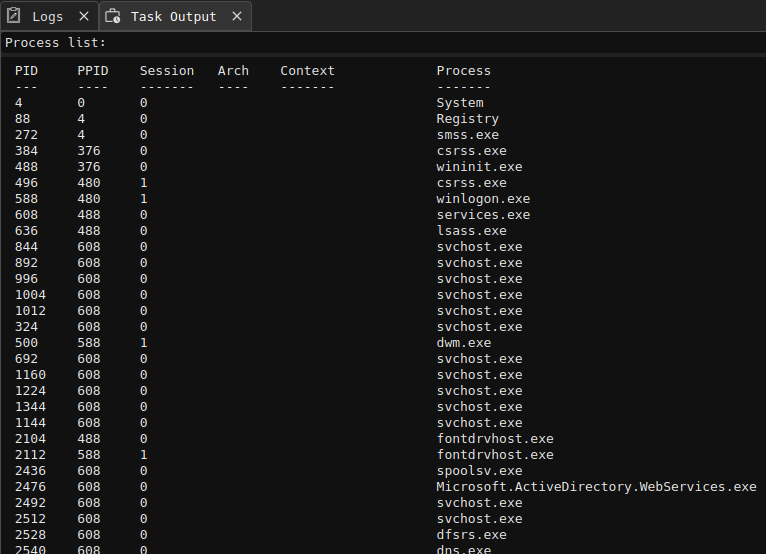
The output of a specific command is displayed in the Task Output console when you select a task in the Tasks table.
To activate the search bar, you must use the key combination `Ctrl+F` in the task table.
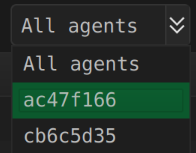
The Tasks table has the ability to filter tasks by individual agents.
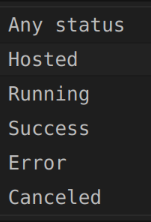
Tasks can be filtered by status. For example, you can filter only cancelled tasks or only those that are in progress (convenient for Jobs).
The Task table has the ability to filter by a substring in a command or by the result of its execution.
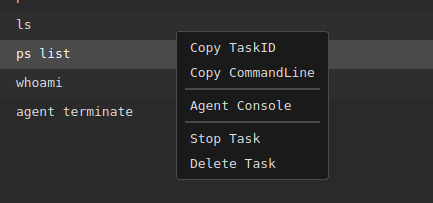
The context menu provides options to terminate the currently running task, as well as delete tasks from the database. In addition, you can quickly copy the task ID or console command and immediately go to the console of the selected agent.