> For the complete documentation index, see [llms.txt](https://adaptix-framework.gitbook.io/adaptix-framework/llms.txt). Markdown versions of documentation pages are available by appending `.md` to page URLs; this page is available as [Markdown](https://adaptix-framework.gitbook.io/adaptix-framework/adaptix-c2/agent-browsers/remote-terminal-shell.md).
# Remote Terminal / Shell
## Remote Terminal
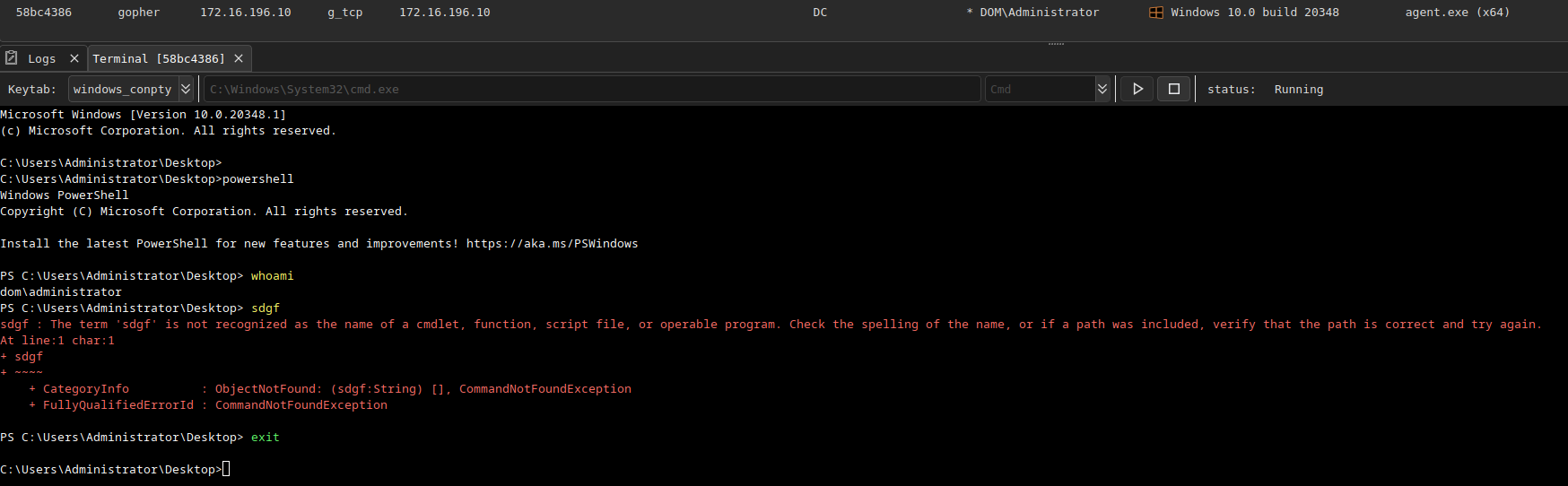
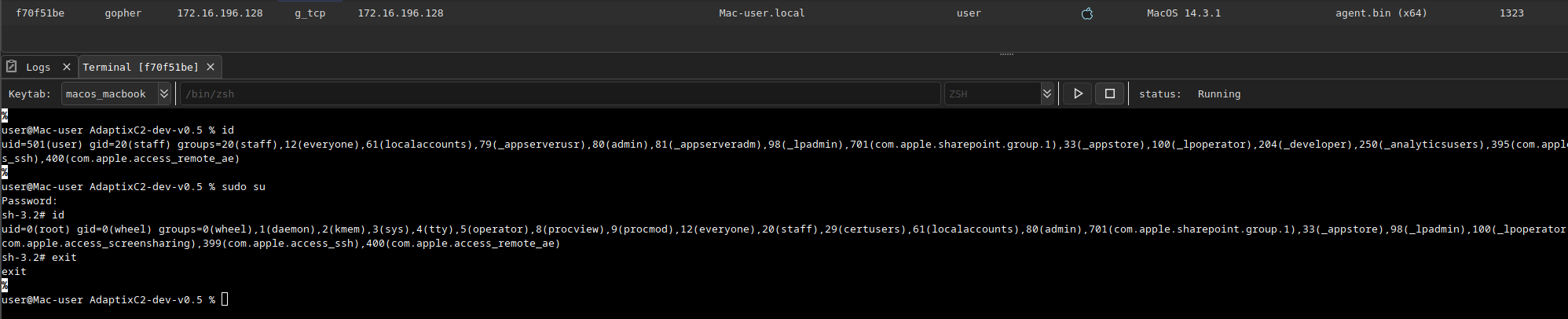
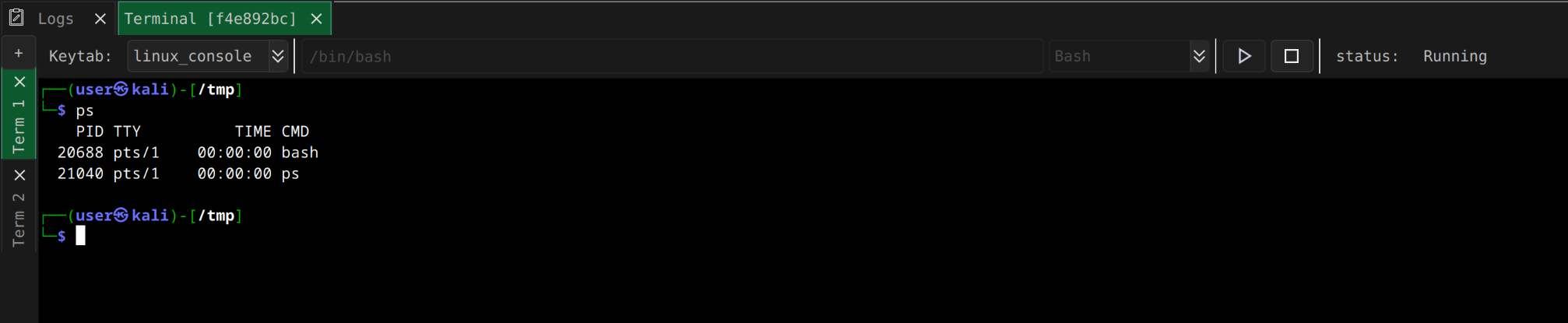
The **Remote Terminal** allows you to launch an application or command shell in fully interactive mode. For each operating system, you can either select an appropriate shell from a predefined list or specify one manually.
{% tabs %}
{% tab title="Linux" %}
{% endtab %}
{% tab title="Windows" %}
{% endtab %}
{% tab title="MacOS" %}
{% endtab %}
{% endtabs %}
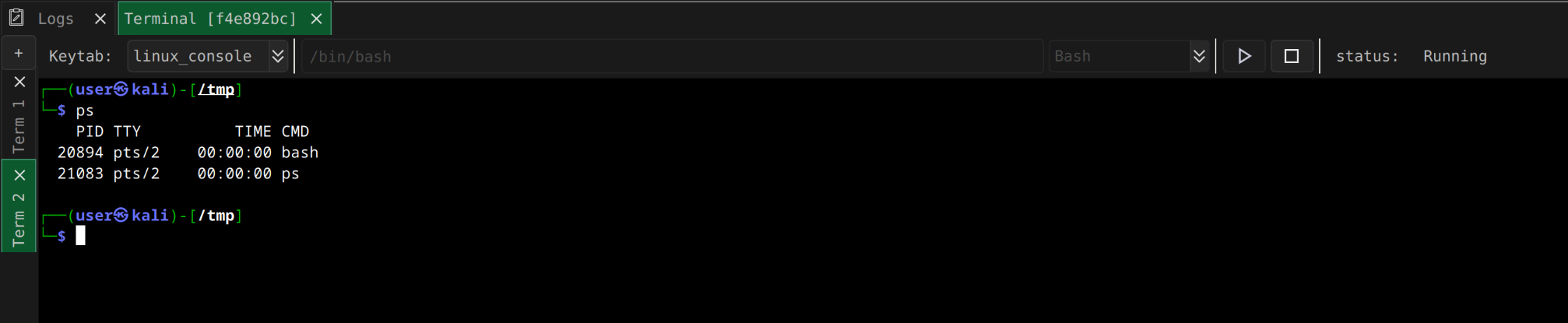
Each tab allows you to run multiple terminals in one session.
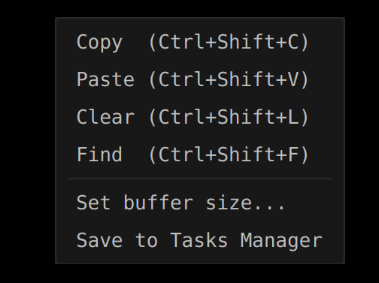
To start the terminal, click the  button; to stop it, click the  button. The terminal includes support for **copy**, **paste**, **clear**, **find** and change console buffer size functions. By default, the console buffer only stores 10,000 lines.
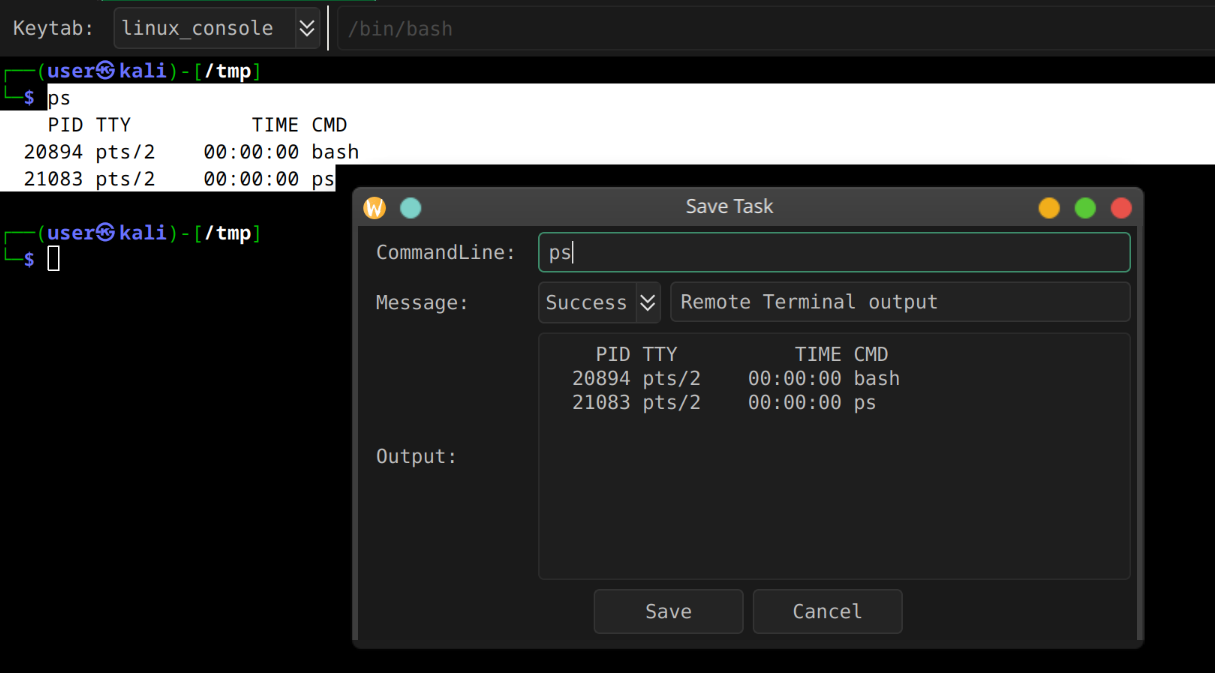
**Save task to Task Manager** allows you to save the selected command and text in the manager.
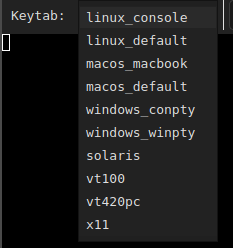
You can specify a corresponding **keytab** for the terminal.
## Remote Shell
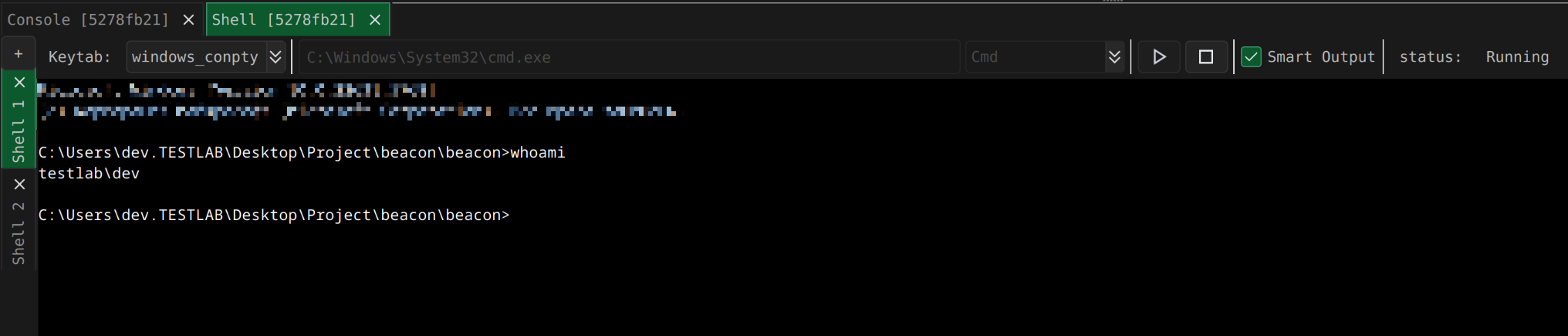
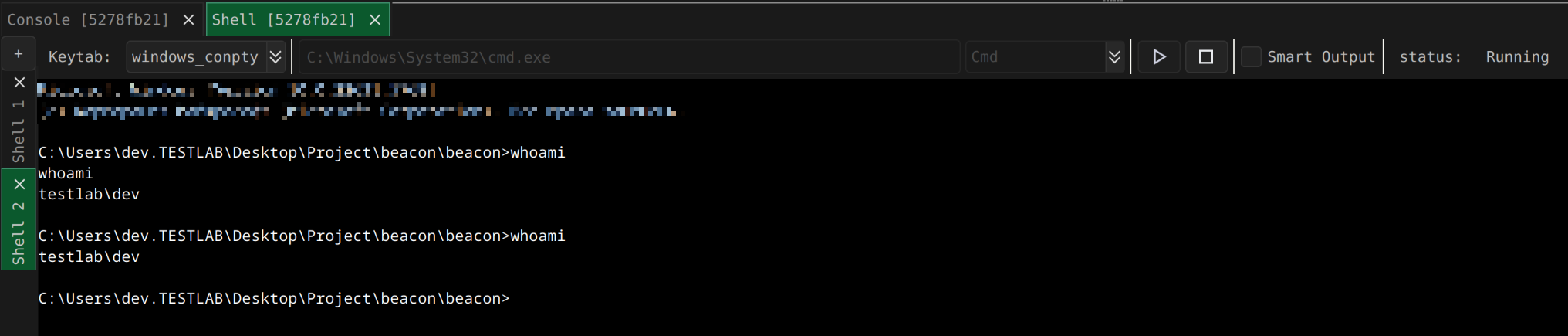
The Remote Shell feature allows you to run applications or command shells in pseudo shell mode. For each operating system, you can either select the appropriate shell from a predefined list or specify it manually.
Some shells, such as cmd.exe in echo mode, can duplicate input and output. To eliminate this duplication, use **smart mode**.